
Creating a Diagram
To create a new diagram:
- Go to Admin → Diagrams.
- Click New Diagram.
- Enter the required details and save the diagram.
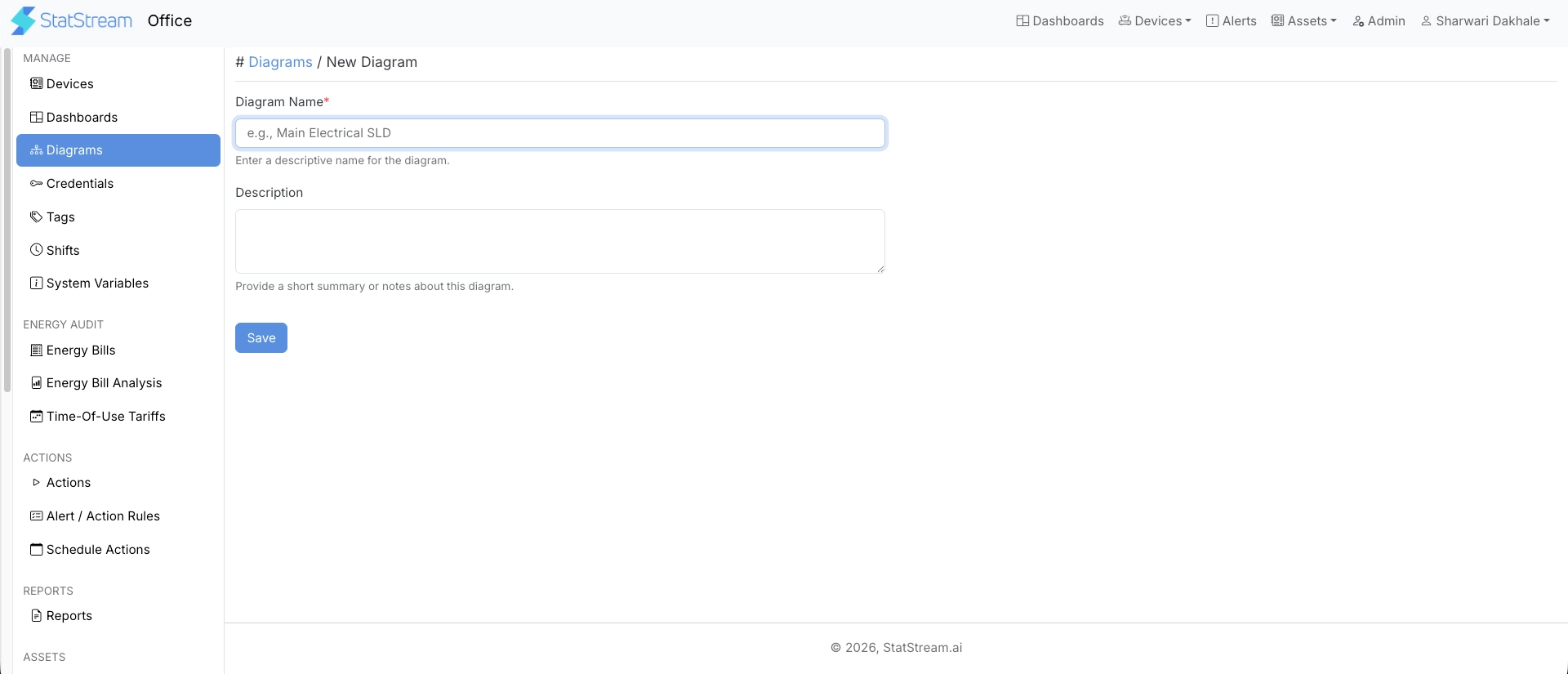
| Field | Description |
|---|---|
| Diagram Name | Name used to identify the diagram throughout the application. |
| Description | Optional information describing the purpose of the diagram. |
Next Steps
Section titled “Next Steps”A newly created diagram contains an empty canvas.
From the Actions column, you can:
- Design — Open the Design Canvas to create the diagram layout by adding shapes, equipment, images, and other visual elements. Continue with Design Canvas.
- View — Open the diagram in read-only mode to monitor live data after the layout and placements have been configured. See Viewing a Diagram.