
Gauge & Indicator Widgets
These widgets display the current value or status of a variable using visual indicators such as gauges, thermometers, and level indicators. They are designed for real-time monitoring, making it easy to quickly assess equipment conditions, operating ranges, and process values.
Gauge Widget
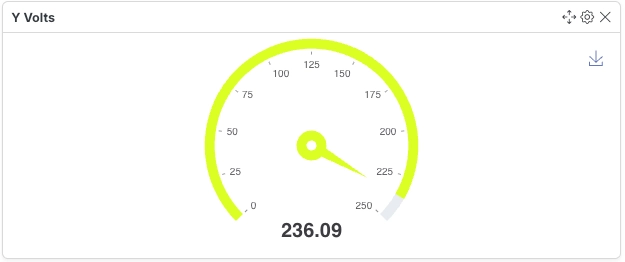
Section titled “Gauge Widget”A Gauge Widget displays the current value of a single variable within a configurable range using a circular dial, similar to a speedometer.
Configuration
Section titled “Configuration”| Field | Description |
|---|---|
| Variable ID | Select the numeric (float) or increment variable to display. |
| Max Value | Defines the upper limit of the gauge. |
| Min Value | Defines the lower limit of the gauge. |
- Supports numeric (float) and increment variables.
- Displays the latest value only.
- Suitable for monitoring values with defined operating ranges.
Power Factor Gauge Widget
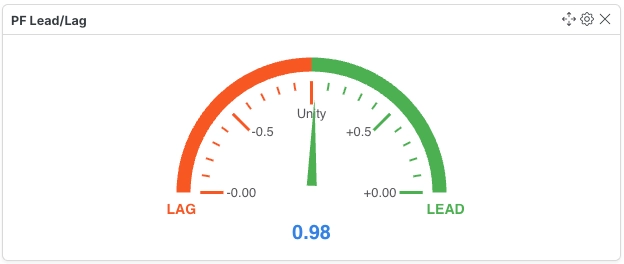
Section titled “Power Factor Gauge Widget”A Power Factor Gauge Widget displays the current power factor with Lead/Lag indication for electrical systems.
Configuration
Section titled “Configuration”| Field | Description |
|---|---|
| Variable ID | Select a variable tagged with sys_power_factor. |
- Only variables tagged as
sys_power_factorare supported. - Displays the current power factor.
- Indicates whether the system is operating in Lead or Lag condition.
Thermometer Widget
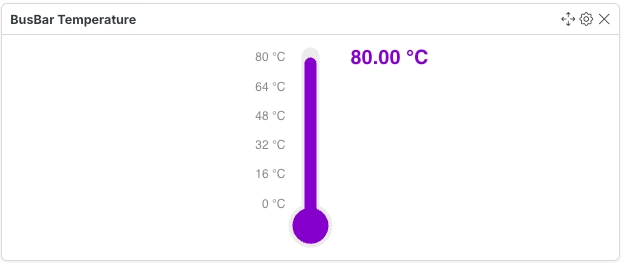
Section titled “Thermometer Widget”A Thermometer Widget displays the current value of a temperature variable using a vertical thermometer.
Configuration
Section titled “Configuration”| Field | Description |
|---|---|
| Variable ID | Select the temperature variable to display. |
| Max Value | Defines the maximum temperature shown on the thermometer. |
| Min Value | Defines the minimum temperature shown on the thermometer. |
- Supports numeric (float) and increment variables.
- Displays the latest temperature reading.
- Useful for monitoring process or equipment temperatures.
Liquid Level Widget
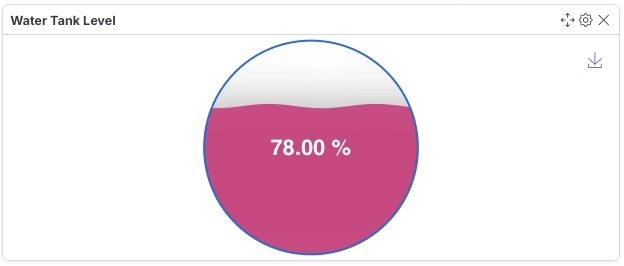
Section titled “Liquid Level Widget”A Liquid Level Widget represents the fill level of a tank or container using a vertical liquid-level indicator.
Configuration
Section titled “Configuration”| Field | Description |
|---|---|
| Variable ID | Select the variable representing the liquid level. |
| Maximum Container Level | Defines the maximum container capacity. Enter 0 to disable the limit. |
| Display Liquid Level As | Choose how the liquid level is displayed. |
- Supports numeric (float) and increment variables.
- Displays the current fill level of the selected variable.
- Can be used for tanks, reservoirs, silos, and similar storage containers.