
Connecting a Device
This section explains how to connect a configured device to StatStream and start sending data using either HTTP or MQTT.
Workflow
Section titled “Workflow”Complete the following steps to connect a device and begin sending data:
- Create a Device.
- Create the required Variables.
- Create an HTTP or MQTT Credential.
- Connect the device using the generated connection details.
- Send data from your device.
StatStream supports both HTTP and MQTT for device communication.
Open the Connection Details
Section titled “Open the Connection Details”To view the connection details for a device:
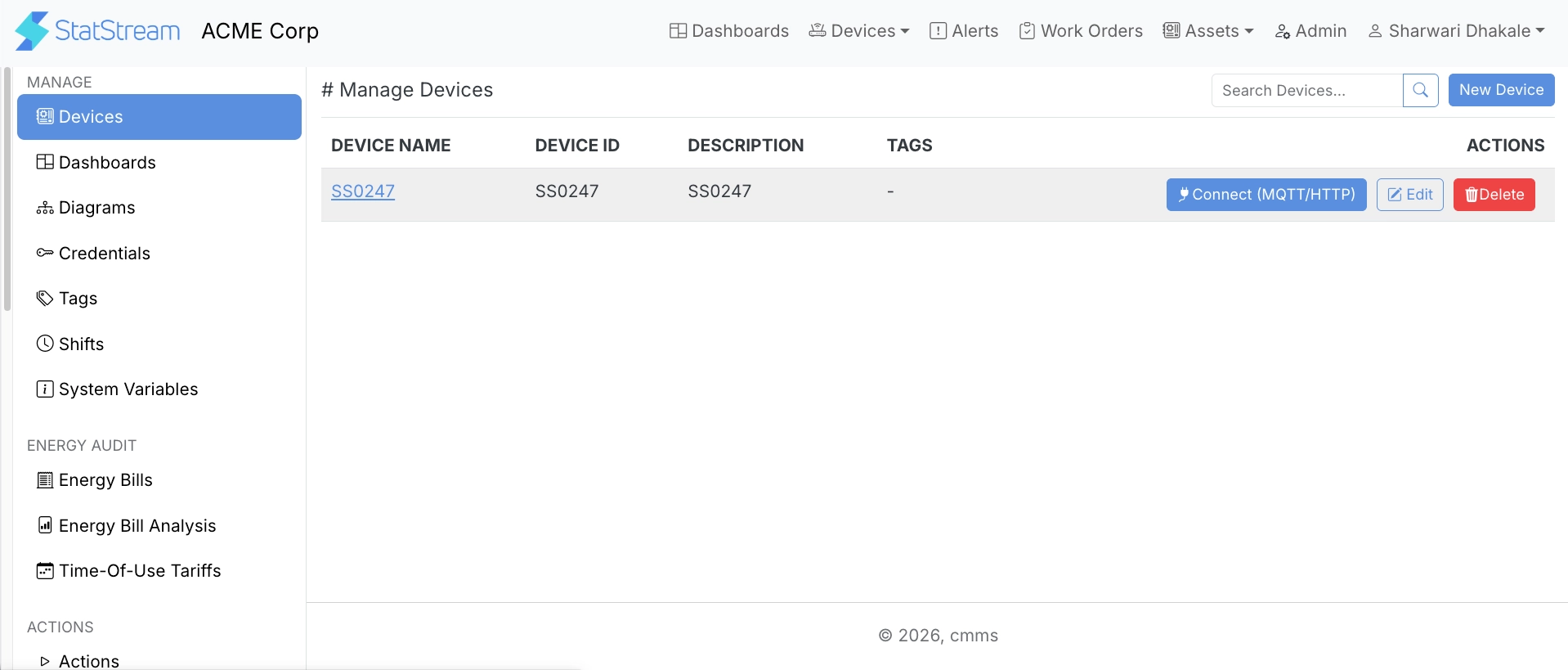
- Go to Admin → Devices.
- Click Connect (MQTT/HTTP) for the required device.
The Connect Data (MQTT/HTTP) page provides all the information required to connect your device using the selected communication protocol.
Connect Using HTTP
Section titled “Connect Using HTTP”To send data using HTTP:
- Create an HTTP Credential from the Credentials page.
- Copy the generated Secret Token.
- Send data to the following endpoint:
POST https://<server>/http/v1/device/{DEVICE_ID}/{SECRET_TOKEN}Replace:
DEVICE_IDwith your device ID.SECRET_TOKENwith the Secret Token generated for the HTTP credential.
Connect Using MQTT
Section titled “Connect Using MQTT”To send data using MQTT:
- Create an MQTT Credential.
- Configure your MQTT client using the generated credential.
Use the following connection details:
- Broker Hostname
- Port
- Username
- Password
These details are used to establish a connection with the StatStream MQTT broker.
JSON Payload
Section titled “JSON Payload”Both HTTP and MQTT accept data in the same JSON format.
Each request must contain a JSON object where:
- Each key represents a Variable ID.
- Each value represents the value to be recorded for that variable.
Example:
{ "VARIABLE_ID_1": VALUE, "VARIABLE_ID_2": VALUE, "VARIABLE_ID_3": VALUE}Verify the Connection
Section titled “Verify the Connection”After data is successfully received by StatStream, you can:
- View live variable values.
- Visualize live and historical data on dashboards.
- Configure alerts based on variable values.
- Generate reports and analytics.