
Asset Types
The Asset Types feature helps you classify similar assets into a common category. Grouping assets by type makes it easier to organize equipment, standardize information, and simplify asset management across your organization.
Typical examples include:
- Conveyor Belts
- HVAC Systems
- Pumps
- Motors
- Generators
- Transformers
Once an asset type is created, multiple assets can be assigned to it, ensuring consistent classification and easier management.
Create an Asset Type
Section titled “Create an Asset Type”Follow these steps to create a new asset type:
- Navigate to Admin from the top navigation bar.
- In the left sidebar, under the Assets section, click Asset Types.
- Click New Asset Type in the top-right corner.
- Enter the required information:
- Asset Type Name (e.g., Server, Motor, Control Panel, Conveyor Belt)
- Click Save to create the asset type.
Asset Types
Section titled “Asset Types”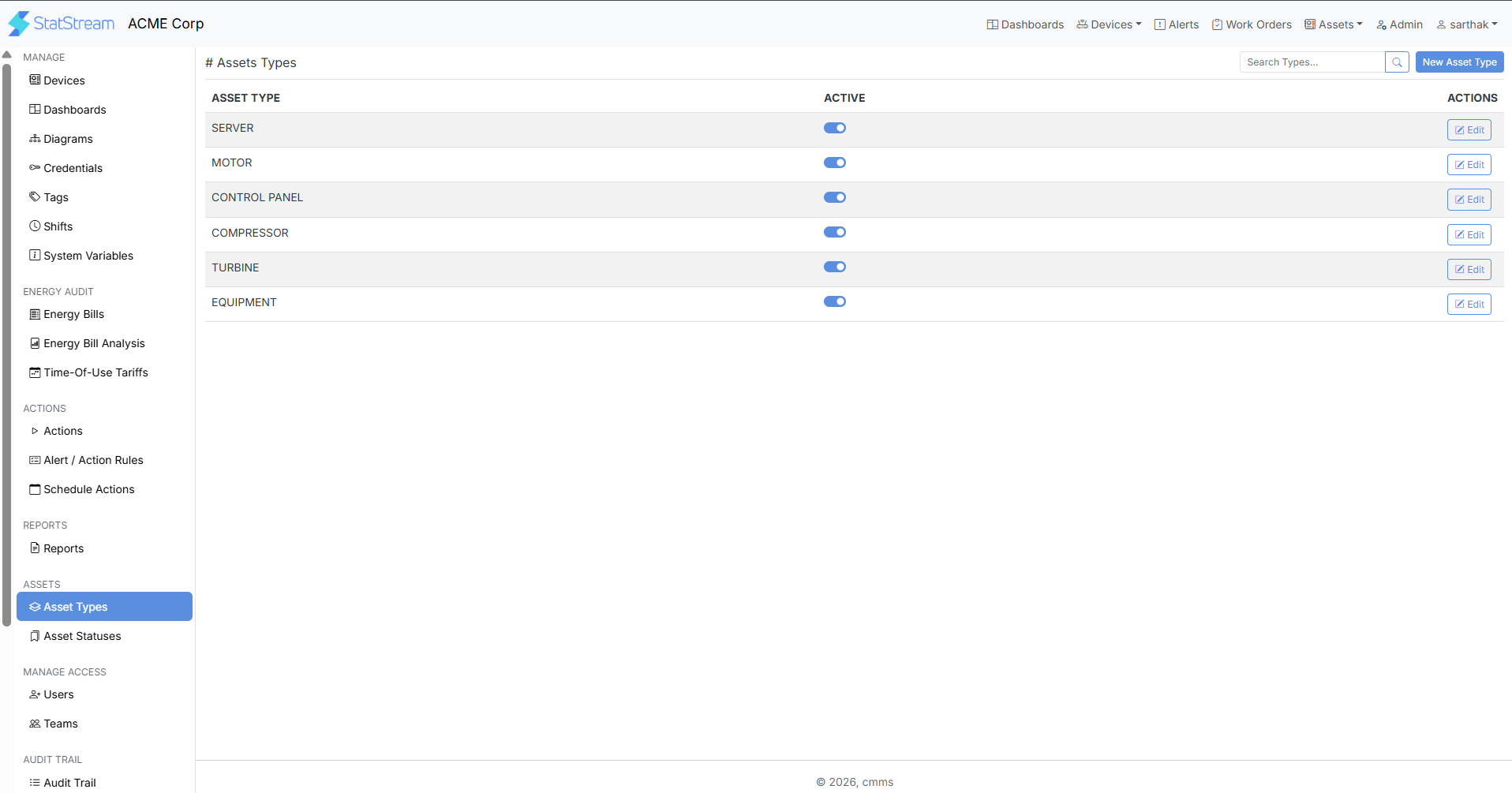
Why Use Asset Types?
Section titled “Why Use Asset Types?”Using Asset Types helps you:
- Group similar assets under a common category.
- Standardize asset classification across the organization.
- Simplify asset creation and management.
- Improve asset organization and reporting.
- Maintain consistency when managing large numbers of assets.
Best Practices
Section titled “Best Practices”For effective asset organization:
- Use clear and meaningful asset type names.
- Avoid creating duplicate asset types for the same equipment category.
- Follow a consistent naming convention across your organization.
- Create asset types before adding new assets.
- Review and update asset types periodically as new equipment categories are introduced.